How to Choose a Business Website Design That Turns Visits into Enquiries
Updated on 4 October 2026.
Quick answer: Choose a business website design by testing the customer’s task, not only its appearance. A suitable design explains what you offer, shows relevant evidence and makes the next step easy on a phone. Compare demos using the same checklist, then tailor the winner to your business.
A restaurant, consultant and retailer need different information. The restaurant visitor may want a menu and location. The consultant’s prospect may want scope and credentials. The retailer’s buyer needs product details and a way to order. A design should organise those needs before it impresses anyone with effects.
Write a one-sentence customer task
Use this format: “A visitor should be able to understand our [service/product], confirm [important condition] and [main action].” For a local service business, the action might be requesting a quote. For a catalogue website, it might be finding a product and sending its details through an enquiry.
Give that sentence to someone unfamiliar with your company. Ask them to try the task on each shortlisted demo without your help. Note where they hesitate, what they misunderstand and which information they expect but cannot find.
Browse the portfolio with a clear shortlist
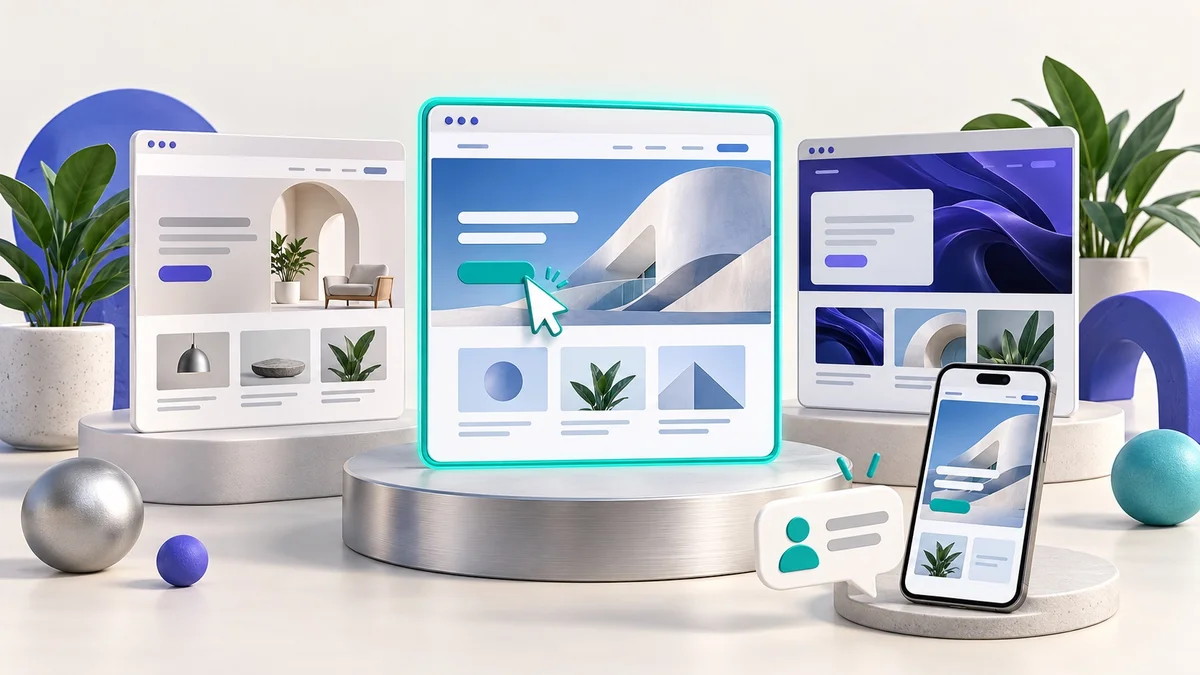
The DJ Technologies website design library provides live demos you can use as starting points. These are design demonstrations; they should not be interpreted as a list of completed client projects.
Choose a few layouts that fit your content and business model. A demo filled with beautiful photography may work poorly if your business has only a logo and three service descriptions. A layout with several pricing tiers may be unsuitable when every project needs a separate quote.
A six-part design scorecard
Offer clarity: can you identify the business, its audience and the value of its service from the first screen?
Navigation: are the important pages named in language a customer understands? Can a visitor return to the main offer easily?
Phone usability: does the layout fit the screen, with readable text, usable buttons and an uncomplicated menu?
Evidence: is there a natural place for real project examples, approved reviews, credentials or process details?
Action: does each important page offer a relevant next step, such as viewing designs, requesting a quote or contacting the team?
Maintainability: can the content you expect to change be edited easily, and is the page structure suitable for future services?
Mark each area “works”, “needs tailoring” or “poor fit”. Add a reason next to the mark. This makes a useful comparison without pretending a design score predicts your conversion rate.
Build the page around questions customers actually ask
A service page can follow a simple order: who the service helps, what is included, the process, evidence, important conditions and the next step. If customers repeatedly ask about cost or timing, answer those questions clearly rather than hiding them behind a contact form.
A hypothetical repair business, for example, could show its service area, types of repairs, how a quote is prepared and how to book. It would not need to copy the language of a national ecommerce company. This example is a planning illustration, not a DJ Technologies client result.
Write calls to action that explain the next step
“View business website designs” tells visitors what they will see. “Request a project quote” tells them what they are starting. Match the button to the page’s intent and explain any information the customer should prepare.
Use one main action per page, supported by a useful secondary option where needed. A customer who is comparing layouts may be ready to browse the portfolio but not yet ready to schedule a project. Give that visitor a sensible path forward.
Test before and after tailoring the design
Check the page on a small phone and a desktop.
Open every main navigation and CTA destination.
Submit a test enquiry and confirm its delivery.
Check text contrast, image quality and form instructions.
Ask an unfamiliar person to find the price, service area and contact method.
After launch, measure qualified enquiries and completed actions, then improve the points where visitors get stuck.
A demo is the beginning of the decision. Your final branding, copy, imagery and technical setup all affect the customer experience. The aim is a coherent journey that can be tested and improved.
Frequently asked questions
Will a template make my website look generic?
It can if the content is left generic. Your service structure, wording, photos and evidence should reflect your actual business. Confirm the available customisation before choosing a design.
Should I choose the design with the most features?
Choose the features your customer journey requires. Extra features can create unnecessary cost and complexity when they have no clear purpose.
Can any design launch within 24 hours?
Only eligible projects with the required content and approval fit the DJ Technologies fast-launch offer. Confirm the selected design and scope with the team.
Choose your starting design
Explore our Website Designs page and send your shortlist to DJ Technologies. Before ordering, read the website cost guide and launch readiness checklist.