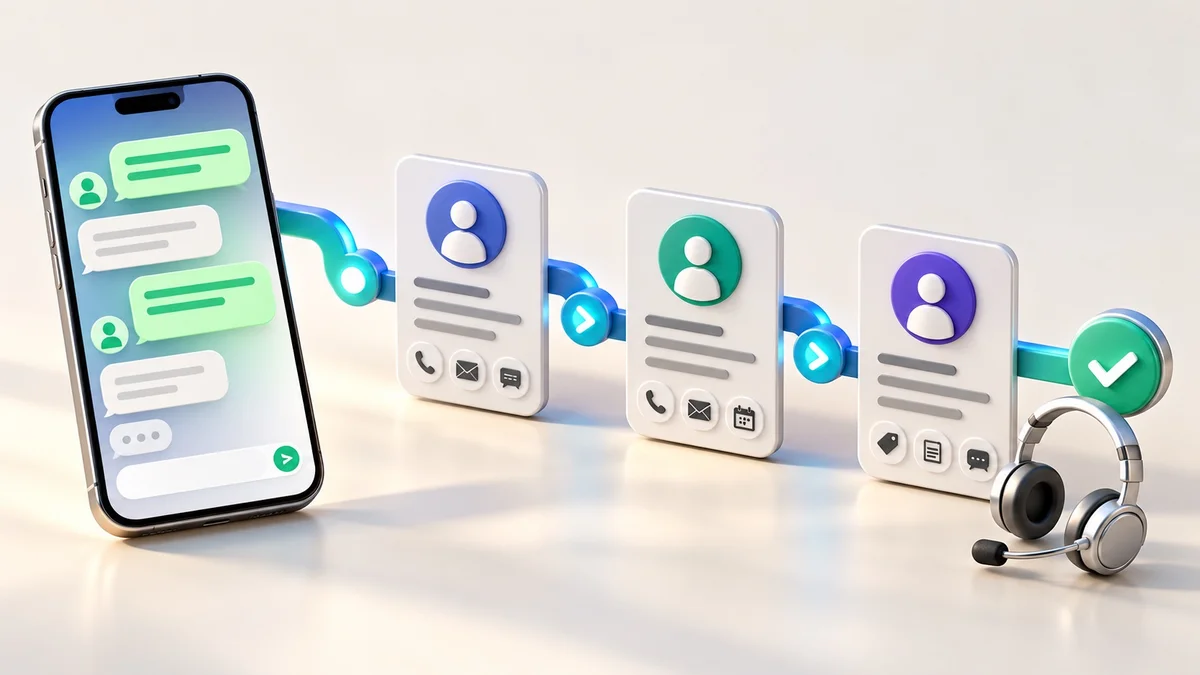

AI Automation for Small Businesses: 7 Workflows Worth Starting With
Updated on 4 October 2026.
Quick answer: Start business automation with a repeated task that has a clear input, predictable outcome and named owner. AI can help interpret or draft information; rule-based steps should handle known conditions. Begin with one workflow, test it on representative examples and keep people responsible for approvals and exceptions.
For an Indian small business, the strongest starting point is often an operational bottleneck: enquiries copied into several files, unanswered follow-ups or reports prepared manually. Connecting the process can be useful without asking AI to run the whole company.
Use this workflow selection test
Choose a task that happens frequently, has accessible data and can be checked. Write down the trigger, inputs, decision rules, output, system permissions and fallback. If nobody can explain what “correct” looks like, improve the process before automating it.
Estimate value using your own records. As a hypothetical example, 60 weekly enquiries requiring two minutes of copying represent two hours of manual work. That is a planning calculation, not a promised saving: review, exceptions and maintenance still take time.
1. Capture and organise website enquiries
Flow: form submission → validate required fields → check for duplicates → create or update the lead → assign an owner → notify the team.
Use ordinary rules for required fields and routing. AI can propose a service category from a free-text description, but let uncertain enquiries go to a general queue. Track missed leads, duplicate records and the time until a person responds.
2. Draft follow-ups for human review
Flow: eligible lead reaches a follow-up date → retrieve its agreed context → draft a relevant message → reviewer approves → send through an authorised channel → log the result.
Keep consent, channel rules and opt-outs in the workflow. Avoid a generic message sequence that continues after someone has declined. Read our WhatsApp and CRM guide before planning automated WhatsApp outreach.
3. Classify incoming requests
Flow: message arrives → identify the likely topic → suggest priority → route to the correct team → escalate uncertain or urgent requests.
Give AI a small set of defined categories and examples. Separate routine enquiries from complaints, payment issues and requests that need an owner’s decision. Evaluate classification accuracy on a test set before connecting it to live work.
4. Extract information into a review queue
Flow: approved document arrives → extract the required fields → validate format and totals where relevant → person checks uncertain values → write the accepted record.
Use this for structured administrative tasks, such as extracting order references or product information. Do not treat every extracted value as correct. Keep a link to the source so a reviewer can resolve mistakes, and restrict access to the information the task requires.
5. Prepare a daily operations summary
Flow: collect agreed business metrics → calculate values using defined rules → ask AI to summarise observations → deliver to the responsible team.
Calculate totals from the underlying records rather than asking a language model to invent numbers. The summary should distinguish data from interpretation and identify missing data. Useful inputs include open enquiries, overdue tasks and unresolved support requests.
6. Build content drafts from approved business information
Flow: choose a customer question → retrieve approved service information → produce a draft → check claims, links and clarity → human approves publication.
Use drafts to reduce repetitive work, then add the examples and knowledge that make the answer useful. Product prices and conditions should come from a maintained source. Avoid mass-generating near-identical pages that provide no additional help.
7. Answer routine questions with a clear handoff
Flow: customer asks a question → search the approved knowledge base → provide a supported answer → ask for clarification or hand off when the answer is unavailable.
Document which questions the assistant may answer and which actions require a person. DJ Technologies also offers Asha as a personal assistant in the website dashboard. Dashboard assistance and a custom customer-facing automation are separate scopes; confirm what your project needs.
Build approvals and failure handling into the design
n8n supports human approval before selected AI tool calls execute. Its human-review documentation describes approval or denial of the proposed tool action. Use review for customer communications, important record changes and other actions where an incorrect result would matter.
Also plan retries, duplicate prevention, a failure alert and a manual fallback. Assign someone to maintain credentials and integrations. Test missing data, repeated events, unexpected inputs and an unavailable connected service.
Frequently asked questions
Does every automation need AI?
No. Use a rule when the condition and action are known. Add AI where interpreting language or drafting an answer is useful and its output can be checked.
Can AI automation replace my whole team?
A workflow should support a defined process. People still own the business decisions, exceptions, customer relationships and quality of the result.
What should I prepare for an automation quote?
Share the process steps, systems involved, approximate task volume, example inputs, required permissions and desired approval points.
Choose your first business workflow
Discuss an automation scope with DJ Technologies or explore our AI, software and integration services. If your records are fragmented, start with the business software selection guide.