WhatsApp Business App, API and CRM: Build an Enquiry Process That Works
Updated on 4 October 2026.
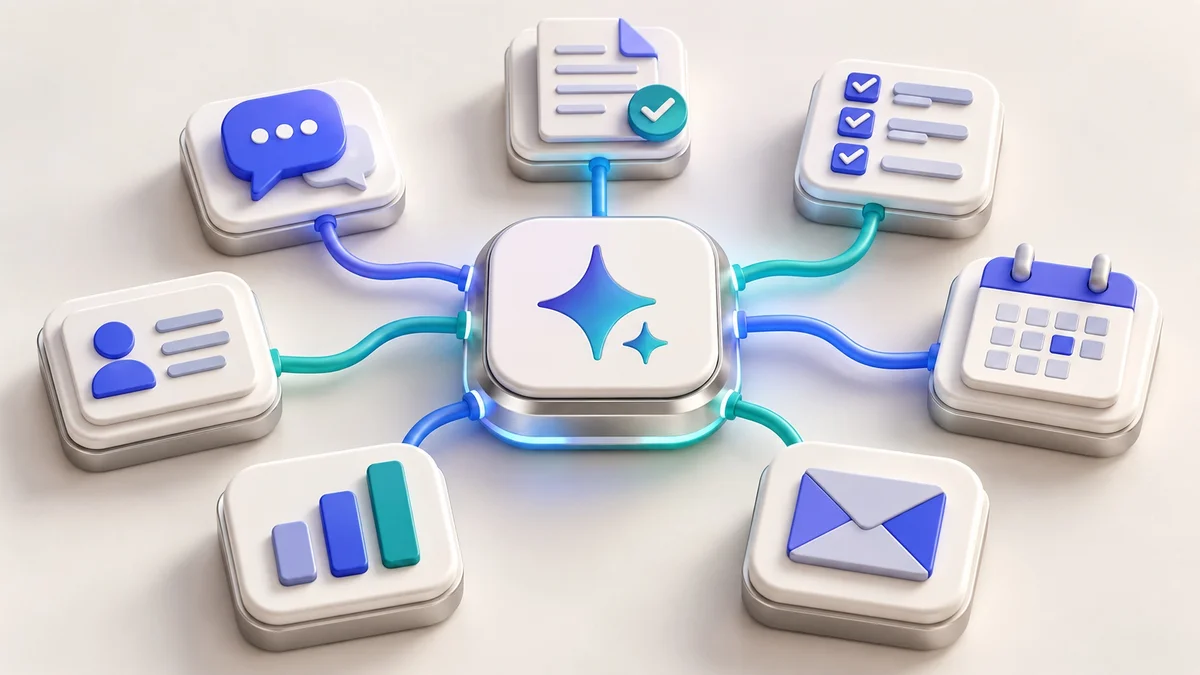
Quick answer: Choose a WhatsApp setup based on your team’s enquiry process. The Business App can suit hands-on conversations; the Business Platform/API becomes relevant when you need connected systems and a scoped automation process. A CRM helps organise lead ownership and follow-up. The tools should support a defined customer journey.
A new enquiry can arrive through a website form, a WhatsApp button or an ad. The important questions are the same: who will respond, what information is needed, when is a follow-up appropriate and how will the team know the result? Start there before buying an integration.
Separate the three jobs
WhatsApp Business App: review it for a business that mainly handles conversations directly. Confirm its current features and device arrangements for your team in the official app overview.
WhatsApp Business Platform/API: review it when you need an integration between messaging and business systems. Confirm account eligibility, onboarding, supported features and the provider’s scope.
CRM: use it to record enquiries, assign responsibility, track stages and keep a useful history of agreed follow-ups.
Having an API does not automatically create a good sales process. Decide which system is the source of truth and which fields the team must maintain. Avoid multiple disconnected lists of the same customer.
Map the enquiry from arrival to resolution
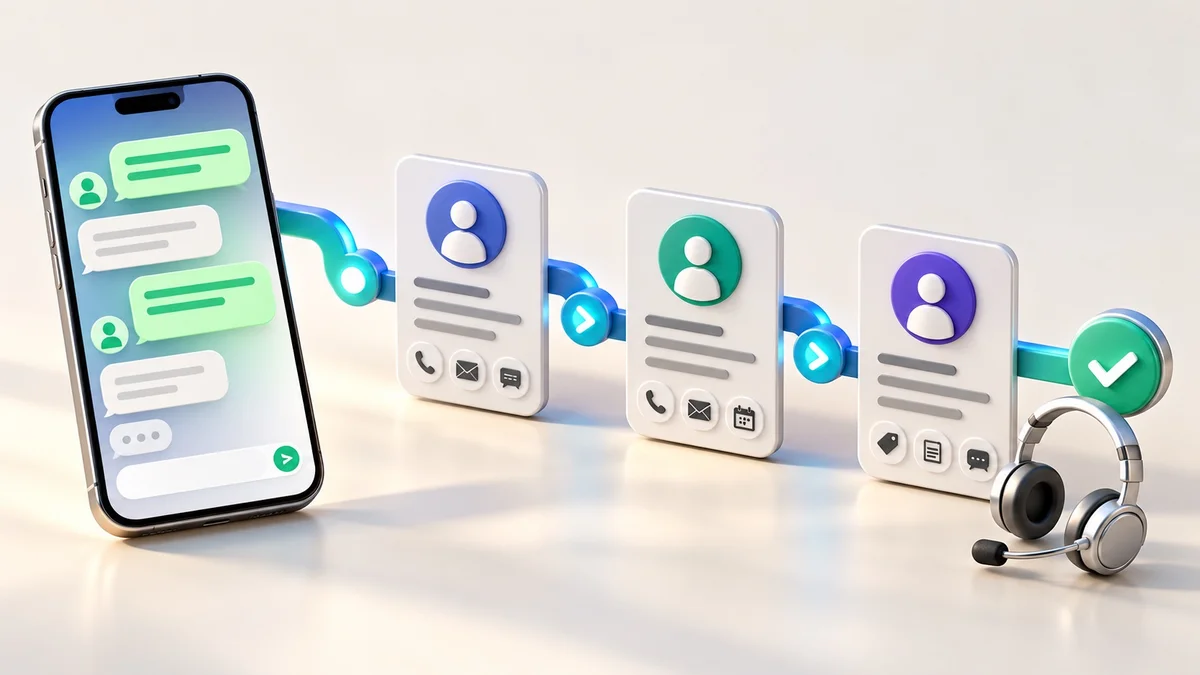
Capture: record the customer’s request, source and contact details that are necessary for the enquiry.
Assign: give the lead to a named owner and identify the next action.
Respond: answer the actual question or ask for the missing information.
Follow up: use the appropriate channel, permission and timing.
Close or pause: record the outcome, reason and whether any future communication is welcome.
For a hypothetical website enquiry, useful fields might be business type, requested pages, design preference and content readiness. Keep these separate from assumptions about budget or urgency. This is an example process, not a reported client result.
Respect permissions, templates and the service window
WhatsApp’s Business Messaging Policy requires the recipient’s number or username and opt-in permission for subsequent contact, and requires opt-outs to be honoured. On the Business Platform, business-initiated conversations use approved templates. Free-form replies are allowed within the 24-hour customer service window, which resets with each user message; outside it, approved templates are required. Automated responses must offer clear escalation routes.
Build these conditions into the process rather than asking staff to remember them for every message. Record permission, suppress opted-out contacts and distinguish a requested service update from promotional communication. Keep your implementation aligned with the current policy.
Use automation for support, with accountable handoff
An assistant can draft a response from approved service information or route an enquiry to the correct person. It should say when it lacks an answer and offer a real contact route. Avoid automatically promising a price, refund, delivery date or custom feature that the team has not authorised.
Before turning on a workflow, test duplicate leads, incomplete messages, opt-outs, delayed replies and a failed messaging request. A failed send should be visible to the responsible person; it should not silently mark the lead as contacted.
Understand the costs before connecting the API
The DJ Technologies website-platform WhatsApp API add-on is ₹199/month, and the optional platform CRM add-on is ₹199/month. These are platform add-on prices. Confirm the full scope, any implementation work, applicable usage fees and how Meta messaging charges are handled before ordering. Biz Pilot software is a separate product with its own plans.
Meta’s current Business Platform pricing depends on delivered messages, their category and market, with conditions for free messages and volume pricing. A provider subscription should not be assumed to cover unlimited Meta messaging. Ask for a written breakdown using your expected mix of messages.
Measure the quality of the process
How many relevant enquiries have an assigned owner?
How long does it take to provide the first useful response?
How many enquiries remain unresolved past the agreed follow-up date?
Which sources produce qualified leads rather than only conversations?
How often do duplicates, failed messages or opt-out mistakes occur?
Review these signals with the team before adding more automation. A smaller, reliable workflow is easier to improve than a large system with unclear ownership.
Frequently asked questions
Can I message a purchased contact list?
Do not assume a purchased number establishes permission. WhatsApp requires opt-in for subsequent contact and prohibits spam. Use a permission-based customer process.
Is the API necessary for every small business?
No. Match the setup to the team, integrations and workflow. Confirm the current App and Platform options before deciding.
Will a WhatsApp integration guarantee more sales?
No. The offer, customer fit, response quality and follow-up all affect results. Measure qualified enquiries and outcomes after implementation.
Connect enquiries to the right next step
Discuss your enquiry workflow with DJ Technologies. Read our AI automation guide and business software selection guide to plan the systems behind the conversation.