Biz Pilot Business Software: How to Choose CRM, Accounting and Inventory Tools
Updated on 4 October 2026.
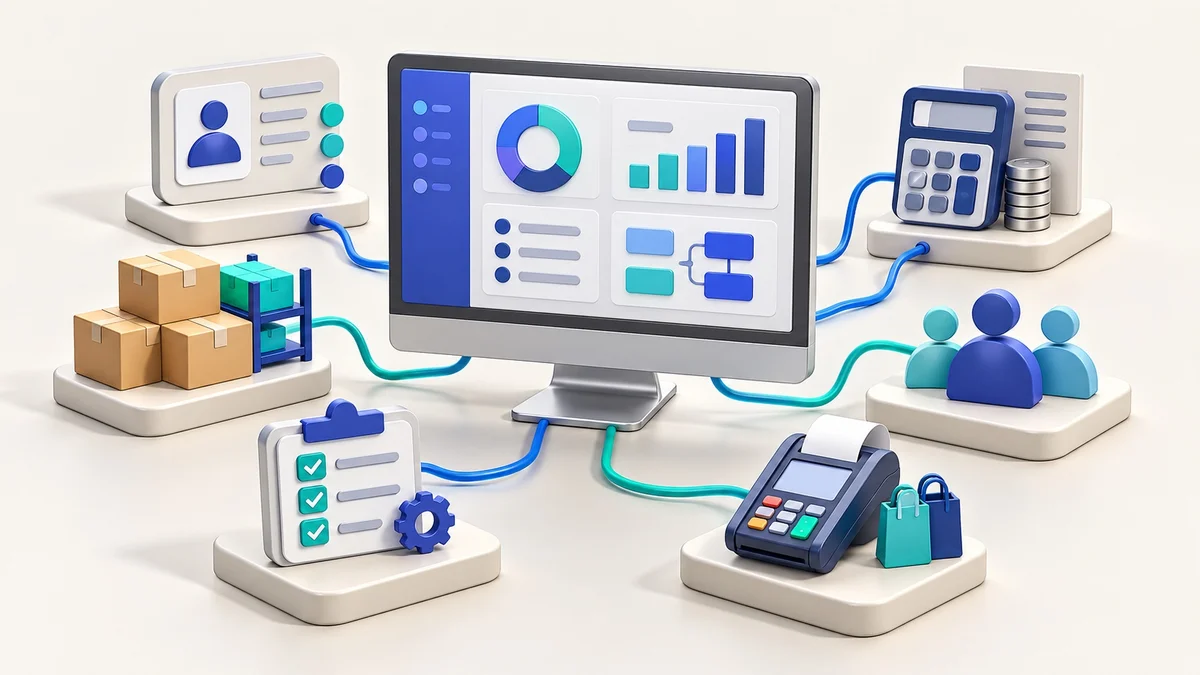
Quick answer: Choose business software by testing a complete workflow, not only comparing feature names. Biz Pilot brings CRM, sales, accounting, inventory, HR, projects and POS into a business-management platform. Select the modules and plan that match your users, records and daily operations, then verify current limits before adopting it.
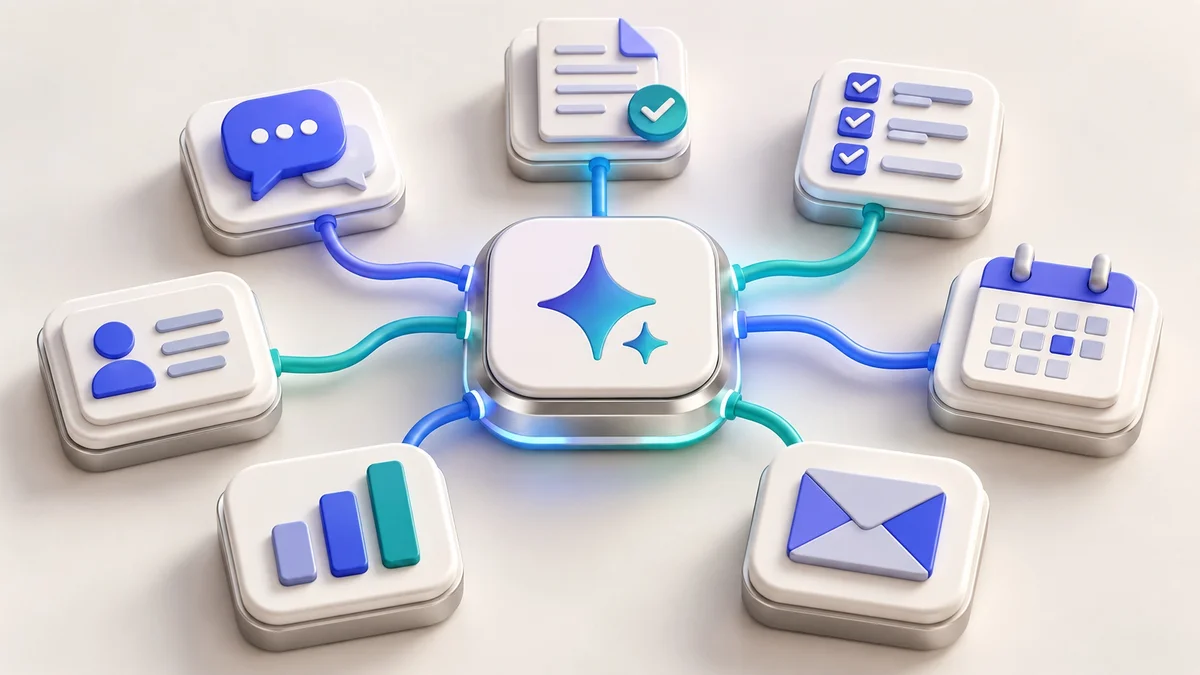
A growing business can end up with customer details in messages, sales in spreadsheets and stock in a separate file. Software helps when it creates a reliable process between those records. The right question is not “Does it have many modules?” It is “Can our team complete the work accurately and see what needs attention?”
Map one business process before comparing plans
Choose a process that involves more than one person or system. A retailer might start with product setup, purchase, stock movement, sale and invoice. A service business might start with enquiry, quotation, customer acceptance, project task and invoice.
Write down the information created at each step, who may change it and what the next person needs. Mark the points where the same information is typed twice or nobody knows the current status. Those gaps become your software evaluation criteria.
Which Biz Pilot modules should you evaluate?
CRM: leads, customer records, opportunities and follow-ups.
Sales and invoicing: quotations, sales records and invoices.
Accounting: income, expenses, payments and business records.
Inventory and POS: products, stock, purchases and retail operations.
HR: employee information and people-management workflows.
Projects: tasks, milestones and work coordination.
These are product areas to examine, not a claim that every feature is available on every plan. Review the current Biz Pilot product information and live pricing page. Ask about the exact modules, limits and support included in your chosen plan.
Run a useful evaluation with sample business data
Use a small, non-sensitive test dataset and perform one complete task. For a hypothetical service business, create a test enquiry, assign it, prepare a quotation and record the next agreed action. For a retailer, test a product with a variant and a stock change before testing a sale.
Ask a team member who will use the software daily to perform the task. Note unclear fields, duplicate work and missing information. This is more useful than a presentation that shows individual screens without connecting them.
A plan-selection checklist
Users and responsibilities: how many people need access, and which roles or permission controls are available?
Modules: which business tasks are included and which require a different plan or configuration?
Limits: check user, record, storage and other relevant limits on the current pricing page.
Import and export: ask what data formats and migration tools are supported for your specific records.
Integrations: confirm the exact connection you need rather than assuming every app can be connected.
Support: establish who handles onboarding, corrections, account issues and ongoing help.
Cost: distinguish subscription fees from setup, migration or custom implementation work.
If a requirement is essential, put it in the acceptance criteria and test it. Do not adopt software based on a feature label that nobody has demonstrated for your workflow.
Prepare your data before moving it
Remove obvious duplicates, use consistent product/customer identifiers and decide who owns each dataset. Back up existing records and agree the import scope. Start with a small trial migration where the product supports it, then compare the imported values with the source.
Choose a changeover date and tell the team which system should receive new work from that point. Running two competing versions without a reconciliation process can make records harder to trust.
Roll out one process and measure adoption
Begin with the selected workflow and a small group of users. Train the team on the task they must complete, including how to handle a mistake or exception. Track unresolved items, incomplete records and whether staff return to separate spreadsheets.
Expand only after the process is stable. An AI or n8n automation can support the work later, but it needs reliable records and clearly defined permissions.
How Biz Pilot relates to the DJ Technologies website offer
Biz Pilot’s free and paid software plans are separate from DJ Technologies’ ₹499 one-time eligible design-based website offer. The website platform’s optional CRM add-on is also a separate product option. Compare the tools by your required workflow and confirm the appropriate scope with our team.
Frequently asked questions
Should I use every available module immediately?
No. Begin with the process that solves your most important operational gap. Add modules after the team can use the first workflow reliably.
Can Biz Pilot replace every specialist tool?
That depends on your requirements and the current product capabilities. Demonstrate essential workflows and integrations before making that decision.
Are paid plans or custom setup included with a website?
Do not assume they are bundled. Confirm the software plan, implementation work and website scope separately.
Choose a connected business setup
Explore Biz Pilot through DJ Technologies or discuss your software requirements. If your main challenge is incoming enquiries, read our WhatsApp and CRM process guide.