Website, Web App or Mobile App: What Does Your Business Actually Need?
Updated on 4 October 2026.
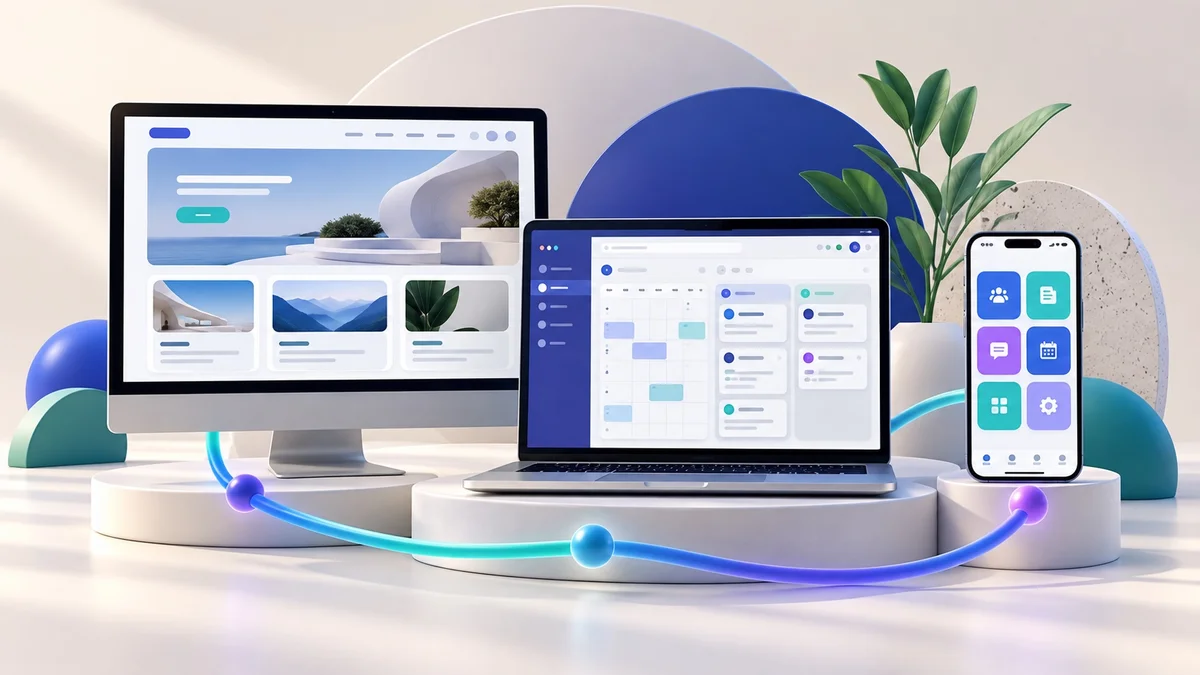
Quick answer: Choose a website when people mainly need to discover and understand your business. Consider a web application when users need accounts, records or interactive workflows. Consider a mobile app when repeat use and device-specific needs justify the installation and maintenance effort. Start with the customer task, then verify technical requirements.
“We need an app” can describe very different projects. It might mean a mobile-friendly service website, an internal order system or an installed application for regular customers. Defining that difference early helps you avoid buying a larger build than your business needs.
When a business website is a sensible starting point
A website is useful when the main work is explaining services, showing products or examples, building trust and collecting enquiries. Prospects can open a link from search, social media or a message without first installing anything.
A local service business might need clear service pages, process details, approved reviews and a contact form. A website can support that journey even if the business later adds a customer portal. Start with the design selection checklist if discovery and enquiries are your priority.
When you need a web application
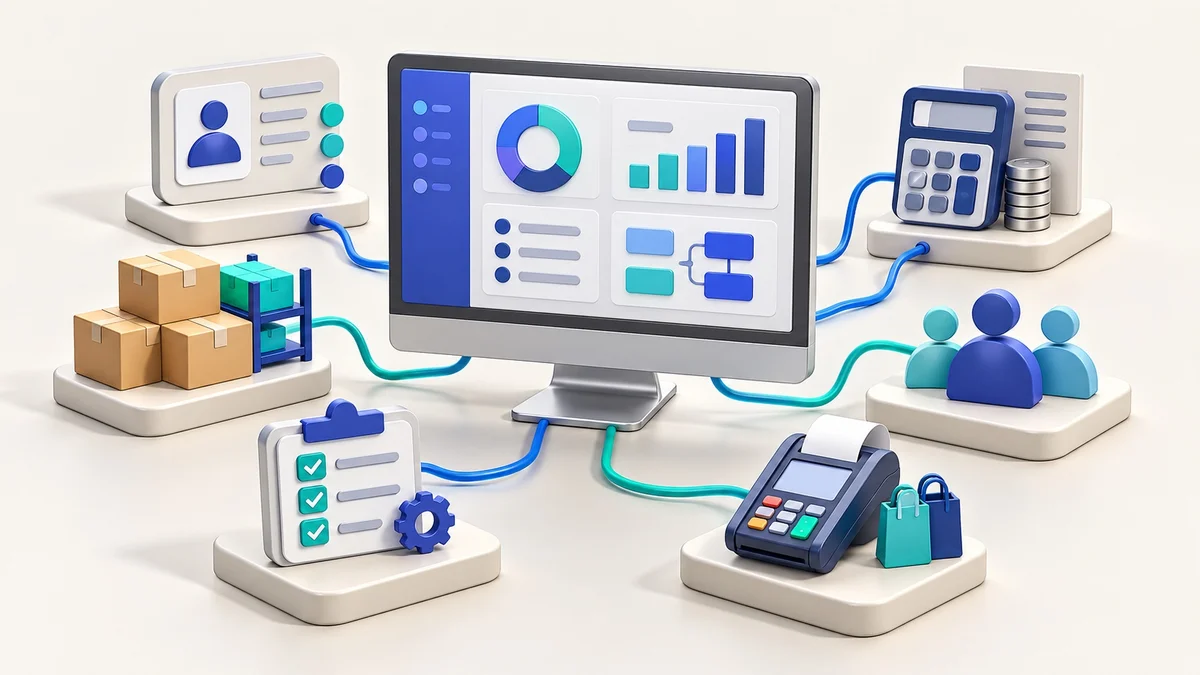
A web application becomes relevant when users must perform work: create orders, manage records, view account information, coordinate tasks or use a dashboard. The project needs more than a set of public pages. You must define data, user roles, permissions, validations and the actions each person can take.
For a hypothetical distributor, staff may need to enter an order, check stock and track its status. The right starting brief describes that workflow and its exceptions rather than requesting “a dashboard like a big company”.
When an Android or iOS app may be justified
Evaluate an installed app when customers or staff return frequently and the project has a clear reason to use the device experience. Examples can include field work, a regular ordering journey or requirements around camera, location and notifications.
Confirm the exact capabilities on the intended devices and operating systems. Installation, permissions, store distribution, updates and testing are part of the scope. A mobile app is not automatically the best acquisition channel simply because your customers use phones.
Where a progressive web app can fit
A progressive web app can add app-like capabilities to a web experience, such as installation and deliberately designed offline behaviour. Features and support vary, so test the devices and browsers your users actually have. See web.dev’s PWA introduction for the underlying approach.
Do not treat the word “PWA” as proof that every native capability is available. List the important behaviour, check support and agree a fallback for the cases where a feature cannot be used.
Ask these seven questions before choosing the build
Who uses it? new prospects, existing customers, internal staff or several groups?
What task must they finish? describe the start, successful outcome and common exception.
How often will they return? an occasional enquiry and a daily operational tool create different priorities.
What data is involved? define records, ownership, access and export requirements.
Which systems must connect? identify the actual APIs, integration permissions and source of truth.
What device behaviour is essential? specify offline tasks, notifications or hardware access, then validate feasibility.
Who maintains it? plan support, updates, hosting, account ownership and change requests.
A provider should explain the proposed choice using your answers. Ask what simpler option was considered and which requirement makes the selected approach necessary.
Define a useful first version
Choose one complete user journey for the first release. For a customer portal, that might be sign-in, view an order and request help. For a field tool, it might be receive a task, record its outcome and synchronise the result.
Write acceptance criteria in observable language: which user may see which record, what happens when information is missing and how failures are reported. Keep later features in a separate list so the first release has a reviewable boundary.
Budget for the full operating life
Compare build, integrations, infrastructure, testing, training and ongoing maintenance. Ask who controls domains, developer accounts and business data, and what happens if you move providers. A lower initial quote is not a complete comparison when the handover or running costs are unclear.
The DJ Technologies ₹499 ready-design website offer is separate from custom application development. Android/iOS apps, custom web applications and specialist integrations need a requirements-based quote.
Frequently asked questions
Can a website work well on mobile without a separate app?
Yes, a website can be designed for a good phone experience. Decide whether an installed app provides additional value for the specific task.
Does an app guarantee more customers?
No. Distribution, the offer, usability and customer demand matter. Plan how people will discover and adopt the product.
Can I add an app after launching a website?
Often that can be planned, but data and integration choices matter. Discuss the longer-term workflow before building the first version.
Turn your idea into a clear project brief
Discuss a website, software or app scope with DJ Technologies. Explore our technology services, automation workflow guide and business software checklist before choosing the build.